
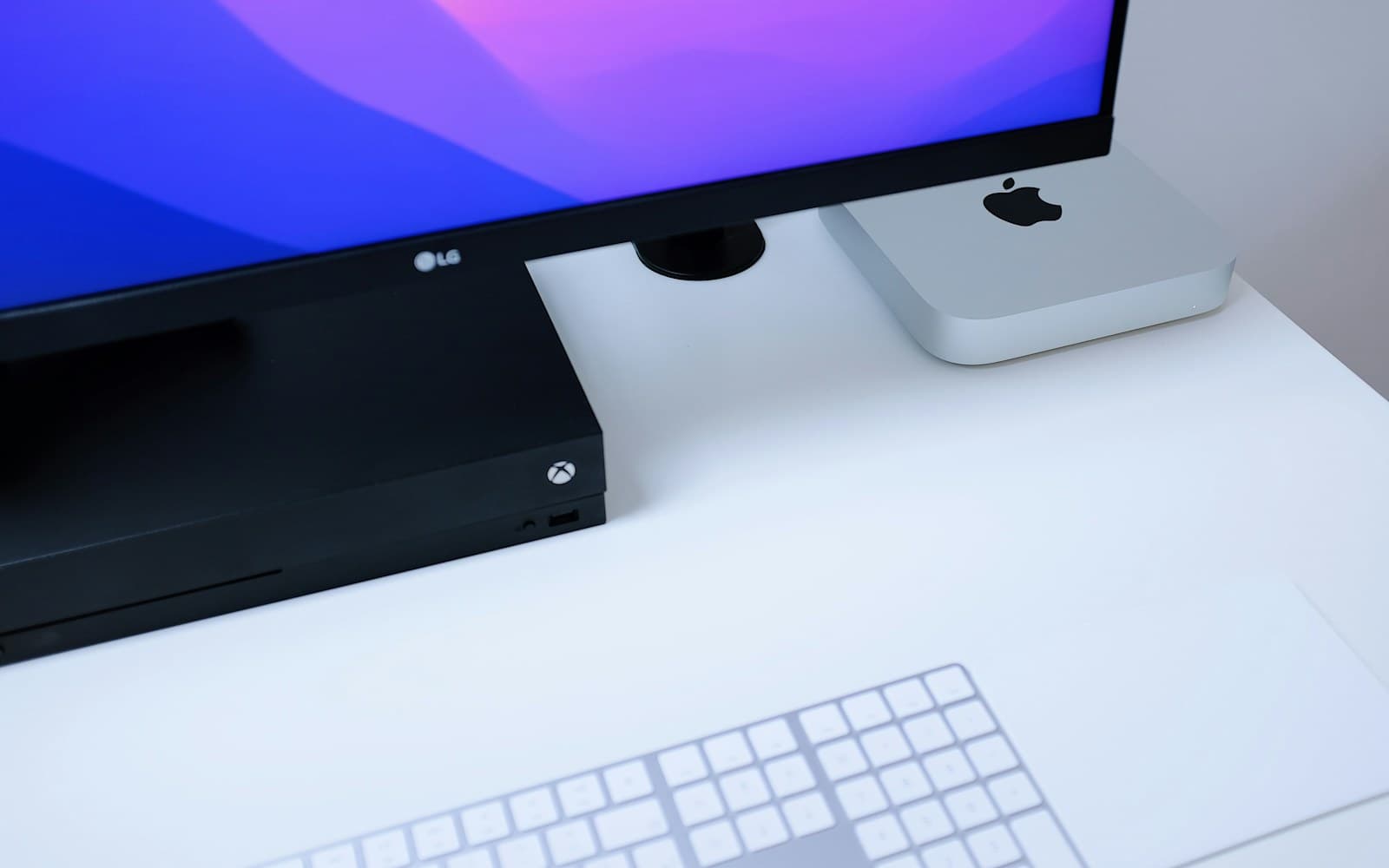
Purpose-built software for your desktop.
Some workflows need a dedicated desktop experience. A Windows tool may need local data, device access, or a focused interface for a team working at fixed workstations. We discuss the environment, connectivity, permissions, and rollout requirements before selecting the implementation approach.
A good fit for: Businesses that need dedicated desktop tools or a focused Windows experience.
Windows application development for a defined desktop workflow
A dedicated Windows application may suit a task that depends on local files, particular hardware or a controlled workstation environment. We review how people currently work and why a desktop application is needed before selecting the approach. A browser tool may still be enough for some processes.
- Business utilities: focused interfaces for repeatable staff tasks.
- Connected desktop tools: supported APIs and shared records.
- Local workflows: approved file access, imports and exports.
- Device-related software: compatibility assessment for the specific hardware and environment.
Plan installation, permissions and connectivity
Desktop software has operating responsibilities beyond its main screen. We agree on supported Windows versions, installation privileges, update delivery and what happens when network access is unavailable. Local storage and synchronization need explicit rules. If a tool handles shared records, user permissions and conflicting changes should be considered before implementation.
Test on the environment where the app will be used
Acceptance should include the target machines, user privileges and the actual file or device workflow. We discuss error recovery, logs, packaging, handover and support responsibilities. Code signing, device drivers, distribution tools and third-party licenses may introduce separate requirements and costs. Tell us the task, workstation setup and connected systems; avoid sending private files or credentials in the initial inquiry.
What we can scope together
- Custom Windows desktop applications and utilities
- Business workflows, local data, and connected APIs
- Desktop interface design and usability testing
- Installation, deployment, and update planning
A Windows application tailored to your users, devices, and operational requirements.
We confirm the deliverables, exclusions, review points and third-party costs in your proposal. Tell us about your project to discuss an appropriate starting point.
Questions before you start
Can a Windows app connect to a web service?
A connection can be scoped where the service provides suitable access. We review authentication, permissions, connection failures and how updates are reconciled.
Can it work with local files or equipment?
Possibly. We need the required formats, hardware documentation, permissions and target environment before confirming compatibility.
How will employees receive updates?
Installation and update delivery are part of the deployment plan. We agree on the distribution method and account or administrator responsibilities for your environment.
Can we discuss monthly payments and an NDA?
Yes. NDA and monthly payment options can be discussed. Availability and terms are confirmed individually; we do not accept equity deals. No payment is taken when you submit a project inquiry.